

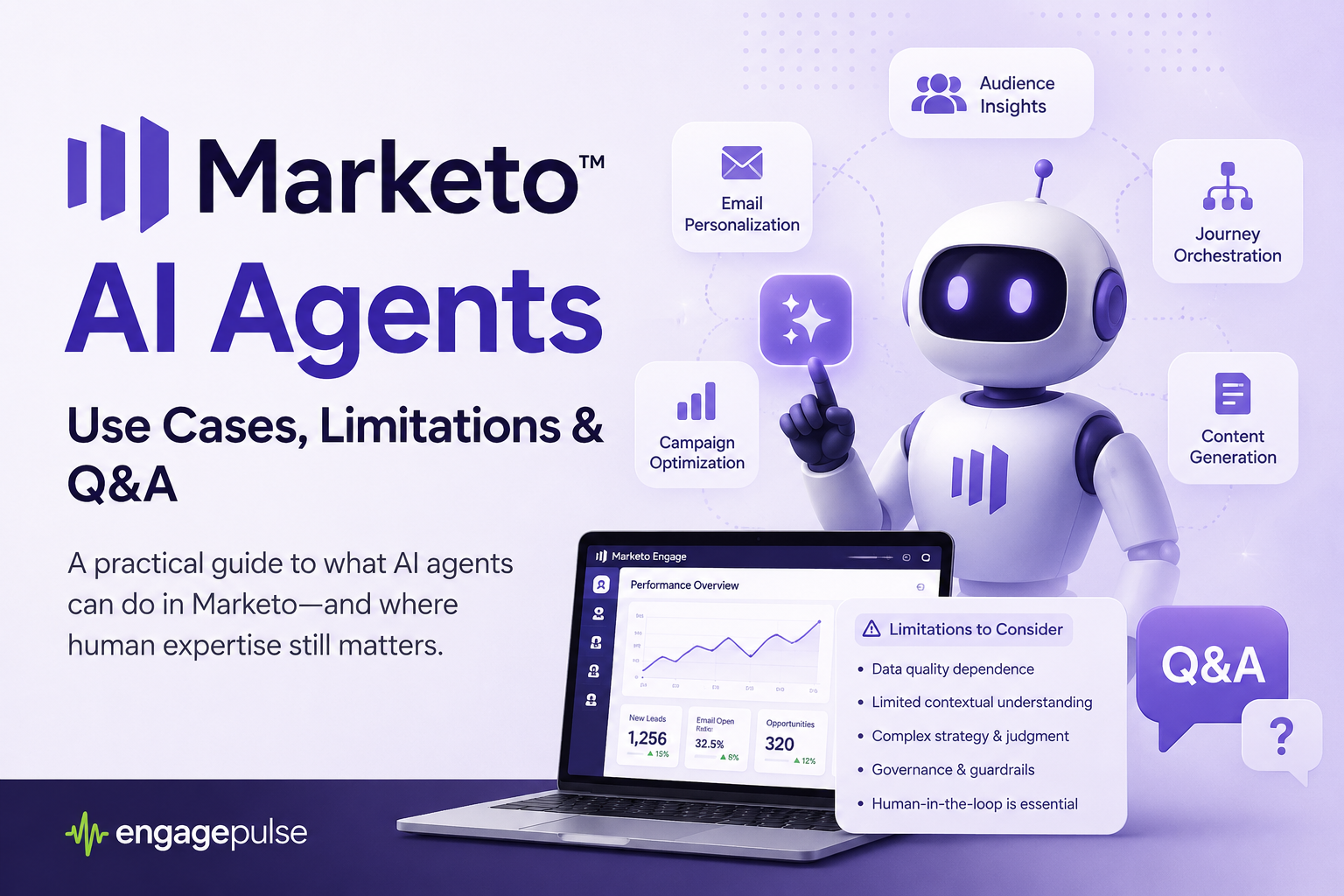
Adobe has quietly shipped one of the biggest changes to Marketo Engage in a decade: an agentic AI workspace called Marketo AI (you’ll see it as the “Build with AI” or “Marketo AI” tile on your My Marketo screen). Instead of clicking through menus, you now talk to purpose-built AI agents that investigate leads, QA your programs, and clean and import lead lists for you.
Here’s the short answer up front: three Marketo AI agents are available in beta today — Investigate Leads, Validate Programs (Program QA), and Import Leads — with five more coming soon: Plan Campaigns, Build Programs, Standardize Data, Surface Insights, and Callable Agents. They’re genuinely useful, they’re also genuinely beta, and if you run marketing operations, you need to know exactly where each one shines, where it breaks, and how to test it before it touches production data.
This guide covers all of it, based on Adobe’s official documentation, the Adobe Summit 2026 announcements, and real-world field testing.
DOWNLOAD THE FULL SLIDE DECK HERE
What Is Marketo AI (Build with AI)?
Marketo AI is a conversational, agentic interface inside Adobe Marketo Engage that lets marketing ops teams complete operational tasks — lead investigation, program validation, list import, and more — through natural-language prompts instead of manual clicks.
It works like this: a chat panel sits alongside your familiar Marketo tree. You select a program or upload a file, and that selection becomes the context for your next command. Type “QA this program” and the agent knows exactly which program you mean. The classic point-and-click UI isn’t going anywhere — this is a layer on top of it, not a replacement.
Under the hood, Adobe built an AI harness that uses Azure OpenAI GPT-4.1 and Claude on AWS Bedrock for reasoning, with Marketo MCP (Model Context Protocol) tools executing the actual product actions. The feature is in open beta with a phased rollout — if you don’t see the tile in your instance yet, it’s likely on the way, and your Adobe account manager can request access. You’ll also need to accept Adobe’s Gen-AI terms before anything lights up.
Which Marketo AI Agents Are Available Right Now?
Three agents are live in beta today. Note that names vary slightly between the UI and Adobe’s docs — Validate Programs is documented as “Program QA,” and the coming-soon agents have doc names too (more on that below).
1. Investigate Leads: Find Out Why a Lead Didn’t MQL
The Investigate Leads agent explains why a specific person did or didn’t reach a milestone — MQL, program qualification, or campaign membership — by analyzing field values, activity history, flow-step execution, and smart list membership.
If you’ve ever spent 45 minutes digging through an activity log because sales asked “why isn’t my lead marketing qualified?”, this is the agent for you.
Best use cases:
- Diagnosing why a lead never hit MQL, in minutes instead of an hour
- Explaining why a lead did or didn’t qualify for a Smart Campaign
- Answering sales escalations with a plain-language activity trace
- Debugging scoring, lifecycle, and routing logic through a real record
Key limitations: it analyzes one lead at a time (it’s a diagnostic tool, not a bulk auditor), it’s read-only (it explains the problem — you still fix the campaign), it’s bounded by Marketo’s activity log retention, and it mirrors your existing permissions. Because it processes lead-level PII, your org needs the Gen-AI terms signed before use.
2. Validate Programs (Program QA): Catch Issues Before Launch
The Validate Programs agent audits a Marketo program against best practices and your own organizational rules — naming conventions, asset approval status, tokens, email compliance, and flow logic — and returns a pass/fail report before you launch.
The killer feature here is custom rules: you can define organizational standards in a rules file, upload your own test plan, and let the agent enforce it consistently across every builder on your team.
Best use cases:
- Automating the pre-launch checklist: unapproved assets, missing tokens, broken links, misconfigured Smart Campaigns
- Enforcing naming conventions across workspaces
- Validating cloned programs after find-and-replace edits
- Giving junior builders a consistent QA bar
Key limitations: it’s in closed beta (tighter access than Import Leads), it’s only as good as the rules you define, and its checks are configuration-level — it won’t render your emails, test deliverability, or catch strategic mistakes like the wrong audience or a weak offer. It may also flag intentional deviations from “best practice” as failures, so a human should always review the report.
3. Import Leads: Clean, Dedupe, and Map Lists Automatically
The Import Leads agent takes a CSV upload and handles profiling, field mapping, deduplication, and normalization before importing to your Marketo database — with human approval gates at every commit point.
Upload a file and it instantly profiles nulls and duplicates, maps every column to a Marketo field with a confidence score and a stated reason, and offers roughly nine cleaning rules: trim whitespace, lowercase emails, E.164 phone formatting, title-case names, state and country code normalization, email validation, and duplicate removal. You can add business rules in plain English — “don’t overwrite Lead Source for existing records” — and it translates them into the correct technical action.
In a published third-party field test (Nomad Marketing, May 2026), the agent mapped 14 of 14 columns correctly with 100% confidence, applied 78 cell-level fixes in one click, correctly removed 3 duplicates, and properly failed 2 rows missing email addresses.
Key limitations: person records only (no custom objects), no scheduled or recurring imports, email is the mandatory unique key, and — most importantly — Marketo’s import engine has no conditional field logic. A mapped field overwrites every matching record; an unmapped field arrives blank on net-new records. There is no “only update if empty.” That field test surfaced this exact trap: unmapping Lead Source protected 25 existing records but silently left it blank on 3 new ones. The fix is to unmap on import, then run a Smart Campaign to backfill the field only where it’s empty.
What Marketo AI Agents Are Coming Soon?
Five more agents were announced at Adobe Summit 2026 and appear (locked) in the AI Assistant panel:
- Plan Campaigns (docs: “Plan Program”) — turns a campaign brief into a program setup document your builders or agency can execute against.
- Build Programs (docs: “Create Program”) — generates an entire Marketo program from a brief: emails, landing page, Smart Campaigns, filters, triggers, and flow steps.
- Standardize Data (docs: “Normalize Data”) — normalizes company names, job titles, countries, and phone numbers across the database, and merges duplicates via plain-language prompts.
- Surface Insights — analyzes email health, lead quality, and program performance, and detects trends and anomalies with likely drivers, so you catch a conversion dip while there’s still time to fix it.
- Callable Agents — the most interesting of the batch: AI agents that run as webhook-style flow steps inside Smart Campaigns for real-time validation, normalization, and bot detection the moment a record enters a flow.
Smart teams are preparing now: codify best practices as written rules, clean up naming conventions, template your campaign briefs, and baseline your KPIs so AI-generated insights can actually be verified.
What Are the Biggest Limitations of Marketo AI?
- It’s a beta. Behavior will change, access is phased, and accuracy isn’t guaranteed. Treat every output as a draft, not a verdict.
- No conditional import logic. The mapped-field-overwrites-everything constraint is the single most dangerous gotcha for data integrity.
- Side effects don’t always volunteer themselves. In field testing, the AI explained the Lead Source risk when asked — but didn’t proactively flag the downstream consequence for net-new records.
- Rule-dependent quality. Program QA enforces the rules you write. No documented standards means generic checks.
- Scope boundaries. No custom objects, no recurring syncs, one lead or program per conversation, and no vertical capabilities yet for regulated industries. Mainland China is excluded from the rollout.
How Do You QA Marketo AI Agents Before Trusting Them?
The safest pattern for testing any Marketo AI agent is: sandbox first, seed known defects, keep human approval gates, and verify every claim against ground truth. Here’s the playbook:
- Sandbox first. Never let an agent’s first run touch production. Use a sandbox instance or throwaway test assets.
- Seed known defects. Build a deliberately messy test CSV (duplicates, mixed formats, nulls, special characters) or a program with planted errors — then measure what the AI catches versus misses.
- Keep human gates. Adobe built consent checkboxes and approval steps into every commit point. Use them. Never rubber-stamp a mapping or a diff.
- Verify against ground truth. Cross-check AI explanations against raw activity logs, program settings, and reports.
- Test permission boundaries. Run agents under a restricted role and confirm they can’t surface hidden fields, partitions, or programs.
- Track and feed back. Log false positives and negatives, re-test after updates, and use the beta feedback button — it’s how fixes actually happen.
Is Marketo AI Safe? Data Handling and Governance
For your security and legal teams, the essentials from Adobe’s data information sheet: Adobe does not use your customer data to train or fine-tune the AI models. Outputs stay inside your Marketo instance under your existing governance, residency, and retention controls. The AI mirrors your existing Marketo permissions — it cannot bypass partitions, field-level permissions, or workspace restrictions. Some workflows (program creation, Program QA) process campaign metadata only; lead-level data is touched only where the task requires it. And every action is reviewable through conversation and audit history.
Frequently Asked Questions
The Marketo AI Assistant (also called Marketo AI or “Build with AI”) is a conversational interface in Adobe Marketo Engage that uses purpose-built AI agents to automate marketing operations tasks like lead investigation, program validation, and lead list imports through natural-language prompts.
Marketo AI is currently in beta for eligible Marketo Engage subscriptions — there’s no separate license fee announced during the beta, but access requires contacting your Adobe account manager and accepting Adobe’s Gen-AI terms. Pricing at general availability hasn’t been announced.
Contact your Adobe account manager to request beta access and accept the Adobe Gen-AI terms. Rollout is phased — you’ll know it’s enabled when the “Build with AI” (or “Marketo AI”) tile appears on your My Marketo screen.
Marketo AI uses Azure OpenAI GPT-4.1 and Anthropic’s Claude on AWS Bedrock, orchestrated through an Adobe-built harness with Marketo MCP tools executing the product actions.
No. Adobe states it does not use customer data to train or fine-tune the AI models. Outputs remain inside your Marketo Engage environment under your existing governance and retention controls.
No. The Import Leads agent currently handles person records only. Custom object imports, scheduled syncs, and conditional field logic still require Marketo’s native tooling or external pre-processing.
No — it automates the repetitive execution layer (log digging, list cleanup, pre-launch checklists) so ops teams can shift to strategy, governance, and QA. The teams that win will be the ones who learn to direct and verify these agents, not the ones who ignore them.
They’re the same agent. “Validate Programs” is the label in the AI Assistant UI; “Program QA” is the name in Adobe’s documentation. Similarly, Build Programs = “Create Program” and Standardize Data = “Normalize Data” in the docs.
Sources
- Marketo AI Overview — Adobe Experience League
- Program QA — Adobe Experience League
- Import Leads — Adobe Experience League
- Marketo AI Data Information Sheet — Adobe Experience League
- How Agentic AI Is Redefining the User Experience for Marketing Ops — Adobe Blog
- Marketo’s AI Conversational Interface: A Real-World Test of the Import Leads Feature — Nomad Marketing

Leave a Reply