

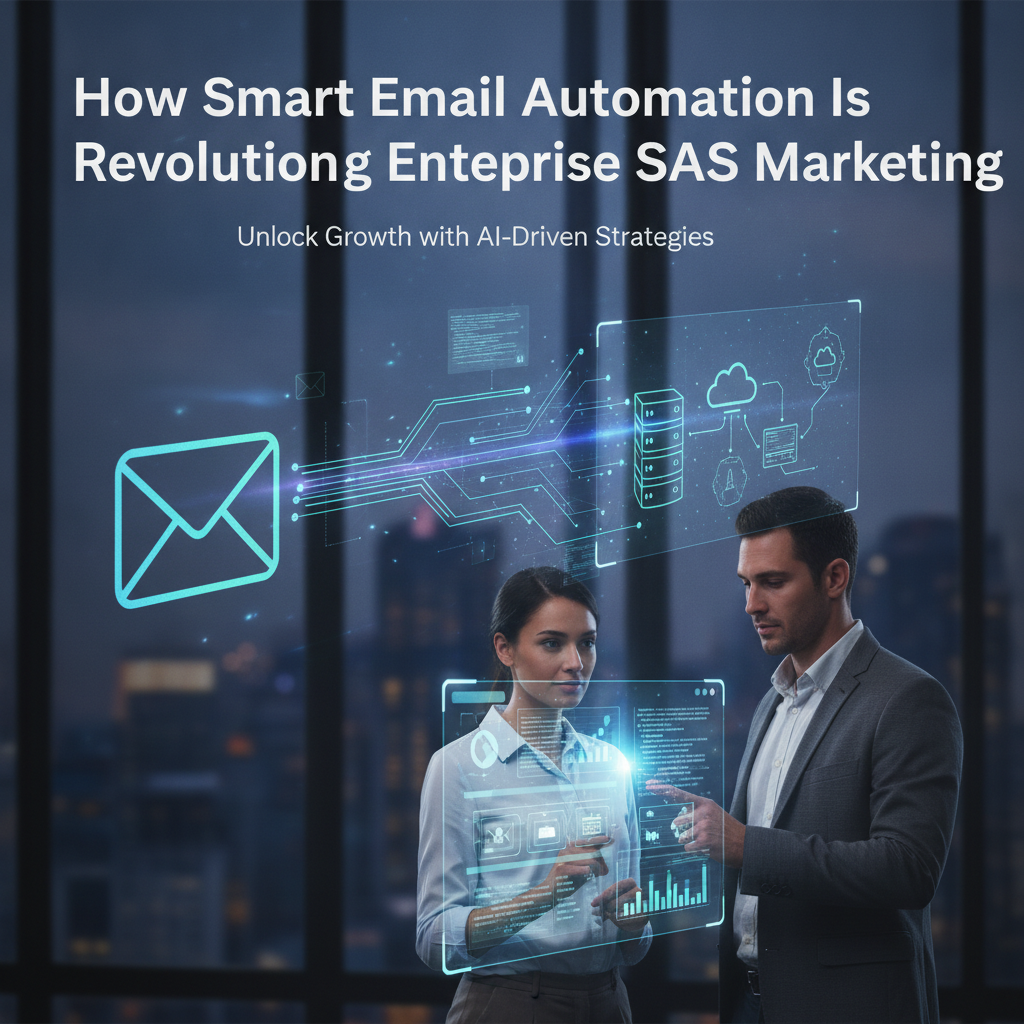
What the “Return of Email” Means for Enterprise SaaS: How Marketers Can Automate the Inbox Without Sacrificing Deliverability
Email is back—at least in the way that matters most to revenue teams: measurable engagement, clearer intent signals, and a channel that’s still reliable when paid acquisition costs fluctuate. In this post, we’ll break down what recent email and marketing-automation updates suggest about the next era of inbox strategy, and how enterprise SaaS teams can operationalize it through better CRM automation.
For CMOs, CEOs, and Marketing leaders, the opportunity isn’t “send more emails.” It’s building systems that continuously learn from inbox behavior, route leads to the right next step, and keep messaging consistent across Marketo, HubSpot, and Salesforce.
The Big Shift: Email Is Winning Again—Because Automation Became More Intelligent
When email performs well, it’s rarely due to a single tactic like a new subject line. The modern “email comeback” is a result of three compounding changes:
- Better measurement: Teams can now correlate email engagement with downstream conversion events more accurately.
- More responsive orchestration: Platforms increasingly support real-time decisioning (e.g., change offers, cadence, or routing based on opens, clicks, and conversions).
- More deliverability intelligence: Tools and standards have improved, making it easier to protect sender reputation and maintain list health.
In other words, the inbox is winning because automation stacks have become more capable. The winning teams are applying that capability with discipline: sending fewer irrelevant touches, but delivering the right message at the right time—at scale.
Why “Just Email” Isn’t a Strategy Anymore
Enterprise SaaS marketers often operate multiple systems: marketing automation (Marketo or HubSpot), CRM (Salesforce), and reporting/data layers that may include CDPs, warehouse models, and enrichment tools. Historically, this created disconnects:
- Leads received emails but didn’t get properly matched to CRM stages.
- Engagement didn’t automatically update segmentation or nurture paths.
- Sales saw a different version of the truth than marketing.
The result is a frustrating pattern: marketing “does email,” while sales “does pipeline.” The email comeback only helps when engagement data becomes operational—when it updates routing, qualification, and follow-up logic.
This is the difference between campaigns and systems. A campaign is a time-bound activity. A system is a self-optimizing process that can survive changing traffic quality, competitor messaging, and pipeline pressure.
What Enterprise SaaS Should Optimize in 2026 (Beyond Open Rates)
If you’re looking to improve performance now, focus on the metrics that indicate meaningful intent and downstream motion. Open rates can still be useful, but they no longer represent the whole story.
1) Click-to-Intent (and What Happens After)
Clicks are a proxy for interest. But for SaaS, what matters is the follow-through: did the click move the contact into a higher intent segment, did it trigger a demo request flow, or did it set an appropriate SDR task?
In practice, “click” should lead to one of these outcomes:
- Higher scoring / higher priority: Automatically increase lead scores and routing priority.
- Better segmentation: Move contact into a content-based audience aligned to problem awareness.
- Correct next offer: Suppress generic nurture content and deliver a more relevant next step.
2) Deliverability as a Pipeline Issue
Deliverability impacts revenue. If deliverability degrades, engagement metrics look worse, but the deeper cost is lost opportunities across the funnel. Enterprise teams should treat list hygiene and sender reputation as a recurring operational program, not a one-time task.
That means:
- Using engagement-based suppression (e.g., suppress contacts below a re-engagement threshold).
- Ensuring suppression lists align between marketing automation and CRM fields.
- Managing cadence based on responsiveness, not static schedules.
3) Conversion Latency (Email → Pipeline)
Email often influences pipeline indirectly. The key is to analyze latency by persona, industry, and stage. For instance, an event invite might not convert immediately, but it can shorten the sales cycle by moving someone into the evaluation mindset.
Enterprise teams should measure:
- Time from email click to form fill
- Time from email click to MQL/SQL transition
- Time from email engagement to meeting booked
These insights are only actionable if your CRM and marketing automation are synchronized around lifecycle fields.
How Marketo, HubSpot, and Salesforce Are Evolving (And Why It Matters)
Recent marketing technology direction emphasizes smarter orchestration, tighter CRM alignment, and better observability of campaign performance. That affects enterprise SaaS in three concrete ways:
More real-time personalization
Modern workflows are increasingly built for responsiveness. Instead of waiting for the next scheduled campaign, the system can change what a user sees and what journey step they enter based on what they do now.
Better lifecycle mapping
Tools are getting better at connecting behavioral signals (email engagement, content consumption) to lifecycle stages in the CRM. The practical outcome: fewer “stale” leads, better routing, and improved handoff to sales.
More trustworthy reporting
When email engagement and CRM events are mapped consistently, reporting stops being a guessing game. Finance and executive stakeholders can trust the story because it’s based on integrated events—not disconnected dashboard snapshots.
For enterprise SaaS, this is a major lever: alignment reduces cycle time and makes marketing’s contribution to pipeline measurable and repeatable.
The Core Automation Problem: Engagement Data Isn’t Always “Operational”
Many enterprise teams collect engagement data but don’t fully operationalize it. Common gaps include:
- Segmentation not updating fast enough: Users remain in broad lists even after they show new intent.
- Lifecycle fields are inconsistent: Marketing and sales disagree on whether someone is MQL, SQL, or opportunity-stage.
- No suppression logic: Contacts continue to receive irrelevant emails because suppression isn’t synced.
- Routing isn’t aware of engagement: SDRs don’t see “what happened” in the inbox, or they see it too late.
To make email “win,” you need automation that turns engagement into action—routing, scoring, content selection, and cadence control.
Build an “Inbox Intelligence” Workflow (What It Should Do)
Here’s what an effective enterprise email automation workflow should accomplish end-to-end:
- Capture signals: track email opens, clicks, and downstream conversions (form fills, demo requests, event registrations).
- Update CRM fields: write engagement outcomes into Salesforce lifecycle attributes and/or activity history in a consistent schema.
- Re-segment intelligently: move contacts into the next journey based on intent, persona, and stage.
- Control cadence: stop, slow, or accelerate follow-ups depending on responsiveness.
- Trigger sales-ready actions: create tasks, update lead ownership priority, or route to the correct sales motion.
- Measure and iterate: feed results back into the scoring model and journey logic.
That’s the operational layer that turns email into predictable pipeline influence.
Enterprise Use Cases Where Email Automation Directly Improves Revenue
Use Case A: Abandoned Demo or “Almost Converted” Nurture
If a lead requests a demo but doesn’t complete next steps, email can help—if the workflow is connected to the CRM state. The automation should detect the CRM stage and tailor messages accordingly (e.g., “complete your request,” “get implementation overview,” “see security details”).
Use Case B: Content Engagement → Sales Targeting
Enterprise SaaS often has long buying journeys. When contacts repeatedly engage with product pages, case studies, or ROI content, email should shift from awareness to evaluation readiness. This is where CRM synchronization becomes essential—so sales knows the lead is “in evaluation mode.”
Use Case C: Multi-threading at Scale Without Spam
Buying committees often include multiple stakeholders. Email automation should support account-level orchestration: each contact receives relevant messages, but cadence and suppression prevent over-mailing. Consistent CRM activity history helps sales understand what each stakeholder received.

Leave a Reply