

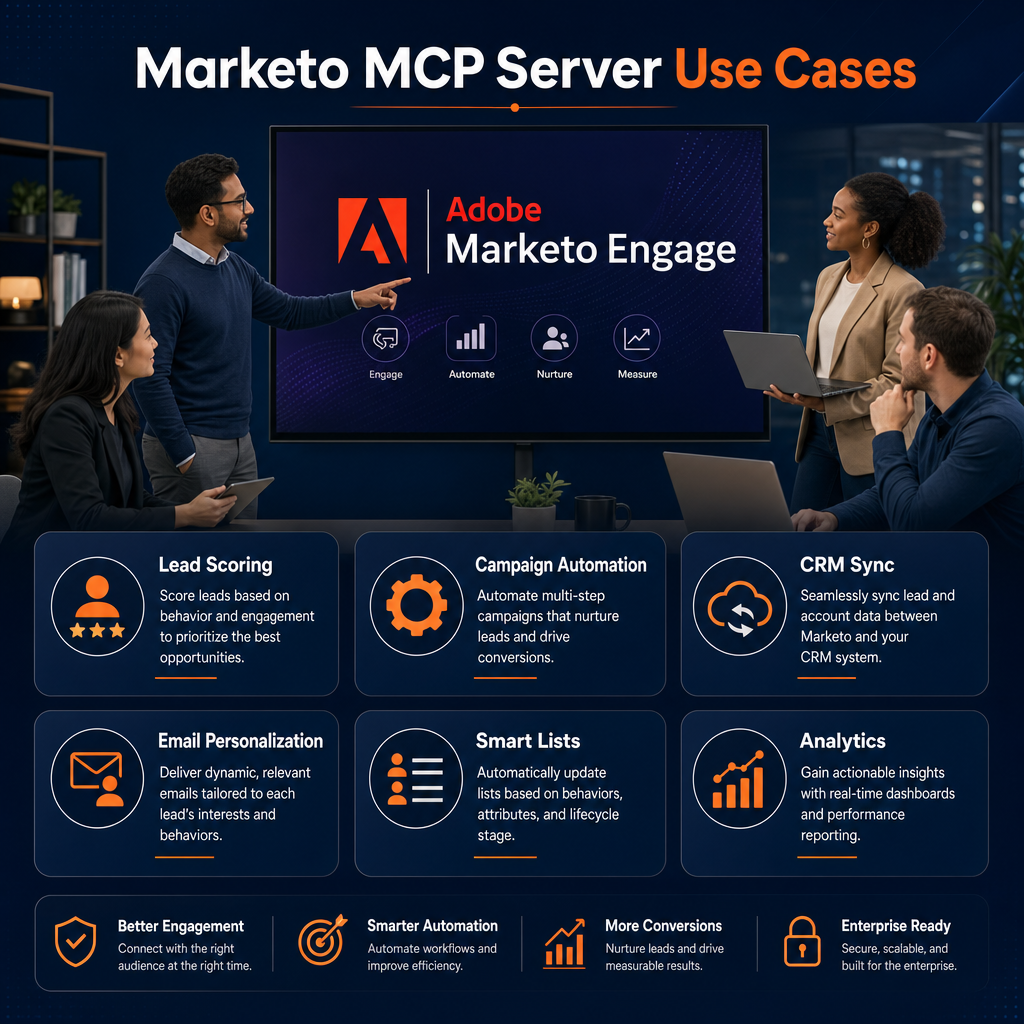
Marketo MCP Server Capabilities Worth Noting
For over a decade, working in Marketo meant clicking. A lot of clicking. Build the smart list, set the flow step, QA the campaign, hunt down the duplicate, fix the field, repeat. If you’ve run a MOPS team, you know the drag — the actual strategy gets squeezed into the margins between maintenance tasks. The new Marketo MCP server changes that.
That just changed. Adobe shipped a native Model Context Protocol (MCP) server for Marketo Engage, and it quietly turned Marketo from a platform you operate into a platform you can orchestrate. You can now point Claude, Copilot, ChatGPT, or any MCP-compatible AI tool directly at your instance and tell it what you want in plain English — and it executes against the real Marketo API.
I’m not here to hype this. I’m here to show you what it actually does, where it earns its keep, and where you still need a human who knows what they’re doing. Let’s get into it.
Quick answer: The Marketo MCP server is a hosted bridge that lets AI tools like Claude and Copilot call 100+ Marketo operations — across forms, programs, smart campaigns, leads, emails, snippets, lists, and folders — through plain-language prompts. It doesn’t replace the Marketo API; it translates it into a language AI agents already speak. The result: instance audits, smart-list building, data normalization, and campaign QA that used to take hours now happen in a conversation. It’s currently in closed beta, and governance is still 100% your job.
What is the Marketo MCP server, in plain English?
Strip away the jargon and it’s simple. MCP is an open standard for letting AI tools talk to external systems. The Marketo MCP server sits in front of the existing Marketo REST API and acts as a translator: your AI client makes a natural-language request, the server maps it to the right API call, runs it with your credentials, and hands back the result.
A few things matter here for operators:
- It’s a translator layer, not a new integration surface. The REST API didn’t change. Rate limits, permissions, and concurrency all inherit from your instance. If you understand the Marketo API, you already understand the ceiling and the guardrails.
- It’s hosted by Adobe. No server-side software to deploy. You authenticate per request with headers tied to a dedicated LaunchPoint API user.
- It’s LLM-agnostic. Claude, Copilot, ChatGPT, Gemini — whatever your stack runs, MCP doesn’t care.
- It’s in closed beta. Not every instance is allowlisted yet. So this is your window to learn it before it’s standard issue.
Now the part you came for. Here’s where it actually delivers.
What can you actually do with the Marketo MCP server? 9 use cases that matter
1. Audit your Marketo instance without the archaeology
Anyone who’s prepped a Marketo migration knows the worst part: the dig. Hunting through hundreds of programs to find what’s dead, what’s duplicated, and what’s safe to kill. With MCP, you ask: “Audit my instance for unused programs older than 18 months and give me a deletion shortlist.” The agent pulls the data and hands you a list. You still make the call on what dies — but you skip the three days of manual archaeology. I’ve done this cleanup by hand on 8-instance migrations. This is the part I’d hand to an agent in a heartbeat.
2. Build Marketo smart lists from a sentence
“Build a smart list of leads with engagement scores above 70 who haven’t been touched in 30 days.” That’s it. The translation of intent into segmentation logic — the thing that used to mean clicking through filter after filter — becomes a single instruction. For anyone who builds dozens of segments a week, this alone changes the rhythm of the job.
3. Normalize data in real time, inside the flow
This is the one that gets me genuinely excited, because it connects to a problem every MOPS person fights forever: dirty data. With callable agents running via webhooks inside Smart Campaign flow steps, you can normalize fields — job title, company name, phone format — before the record ever reaches Salesforce or routing. No more nightly cleanup batch. No more “VP of Sales” vs “V.P. Sales” vs “vp sales” wrecking your routing rules. The standardization happens at the point of entry. That’s a structural fix, not a band-aid.
4. QA programs before they launch
Campaign validation is where small mistakes become expensive ones. Wrong smart list, broken flow logic, a recipient filter that’s quietly excluding half your audience. With MCP, you can have an agent run QA on a program before it goes live — check the smart lists, the flow steps, the targeting — and flag what looks off. You still own the judgment on whether it’s right. But catching the obvious breakage before send? Let the agent do it.
5. Investigate Marketo records and routing issues with the MCP server
“Why didn’t this lead get routed?” is one of the most time-consuming questions in the job, because answering it means tracing a record through scoring, lifecycle stages, smart campaigns, and sync. An agent with MCP access can pull the full picture on a record and walk the trail far faster than you clicking through Lead Detail tabs. You bring the diagnosis; it brings the data instantly.
6. Create and clone forms at speed
Form sprawl is real. With MCP, you can generate or clone forms from templates, push them across campaigns and segments, and centralize the management of them — instead of rebuilding the same form for the fortieth time. Repetitive asset creation is exactly the kind of work that should be automated away.
7. Merge duplicate leads without the manual hunt
Merging dupes in Marketo is a multi-step slog: you usually know the email, not the Lead ID, so you search, identify, then merge. An agent can chain those steps — find by email, confirm the duplicates, merge — turning a tedious cleanup ritual into a request. Multiply that across a messy database and the time savings stack up fast.
8. Manage the full Marketo lead lifecycle conversationally
Connect an agent to Marketo and it can touch the whole lifecycle: capturing and scoring leads, moving them through nurtures, triggering sales alerts, and surfacing attribution. I want to be clear — this doesn’t mean you hand the agent the keys and walk away. It means the execution of lifecycle mechanics gets faster while you stay on the architecture. Which leads directly to the most important point in this whole post.
9. Build cross-stack revenue workflows
MCP isn’t a Marketo-only story. Because it’s a standard, your Marketo agent becomes one node in a larger constellation — Salesforce, your data warehouse, Slack, your CDP. The future MOPS person isn’t clicking through one platform; they’re orchestrating agents across the whole stack. Marketo’s MCP server is one of dozens you’ll be wiring together.
Why governance is still 100% your job
Here’s the part the hype merchants skip. Handing an AI tool write access to your marketing database is not a casual move. The MCP server makes powerful operations easy — which means it makes powerful mistakes easy too. So before you connect anything:
- Use a dedicated, API-only LaunchPoint user. Never reuse admin credentials.
- Start read-only. Let the agent audit and report before you ever let it write or delete. Earn trust in stages.
- Scope permissions to the work. Least privilege isn’t paranoia, it’s hygiene.
- Keep credentials out of plaintext config. Move your client ID and secret into environment variables — the default JSON config patterns leave them exposed.
- Watch your rate limits. The MCP server inherits your instance’s API limits. A chatty agent can burn your quota.
None of this is new if you’ve governed integrations before. The MCP server doesn’t change your governance model — it just adds a new, very capable caller you have to govern.
The real shift: from operator to orchestrator
Let me give it to you straight, because this is the thing that actually matters for your career. The Marketo admin role is changing. The person who only knows how to click through the UI is about to be doing 2019 work in a 2026 world. The person who learns to orchestrate agents on top of the stack is about to become a lot more valuable.
AI can build a smart campaign in 30 seconds. AI cannot tell you which lifecycle model fits your sales motion. It can’t tell you what your scoring framework should reward, or which programs deserve to die, or how your data architecture should be shaped. That judgment — strategy, governance, lifecycle architecture — is still you. It’s more you than ever, because now you’re freed from the clicking to actually do it.
That’s not a threat. That’s the best news the discipline has had in years. The maintenance drag is what’s getting automated. The strategy is what’s getting elevated. Skill up on this now, while it’s still beta and most of your peers are still pretending it isn’t happening.
Frequently Asked Questions About the Marketo MCP Server
What is the Marketo MCP server? It’s a hosted bridge, built by Adobe, that lets MCP-compatible AI tools call 100+ Marketo Engage operations through natural language. It translates AI requests into Marketo REST API calls using credentials you supply per request.
Is the Marketo MCP server available to everyone? Not yet. As of its 2026 launch it’s in closed beta, with instances added by Munchkin ID allowlist. If your instance isn’t enrolled, you’ll need your Marketo MCP administrator to add it.
Which AI tools work with the Marketo MCP server? It’s LLM-agnostic. Claude, Microsoft Copilot, ChatGPT, and Gemini all work, along with other MCP-compatible clients. You configure the connection in each tool’s MCP settings.
Does the MCP server replace the Marketo API? No. It sits on top of the existing REST API as a translation layer. The same permissions, rate limits, and concurrency constraints apply. If anything, understanding the API matters more, not less.
Is it safe to connect AI to my Marketo instance? It can be, with discipline. Use a dedicated API-only user, start read-only, scope permissions tightly, and keep credentials in environment variables rather than plaintext config. The risk isn’t the protocol — it’s ungoverned access.
Do I need to be a developer to use it? No. Setup requires a one-time configuration with your instance credentials, but the day-to-day use is conversational. The harder skill isn’t technical — it’s knowing what to ask for and what’s safe to let an agent do.

Leave a Reply